Features
Overview
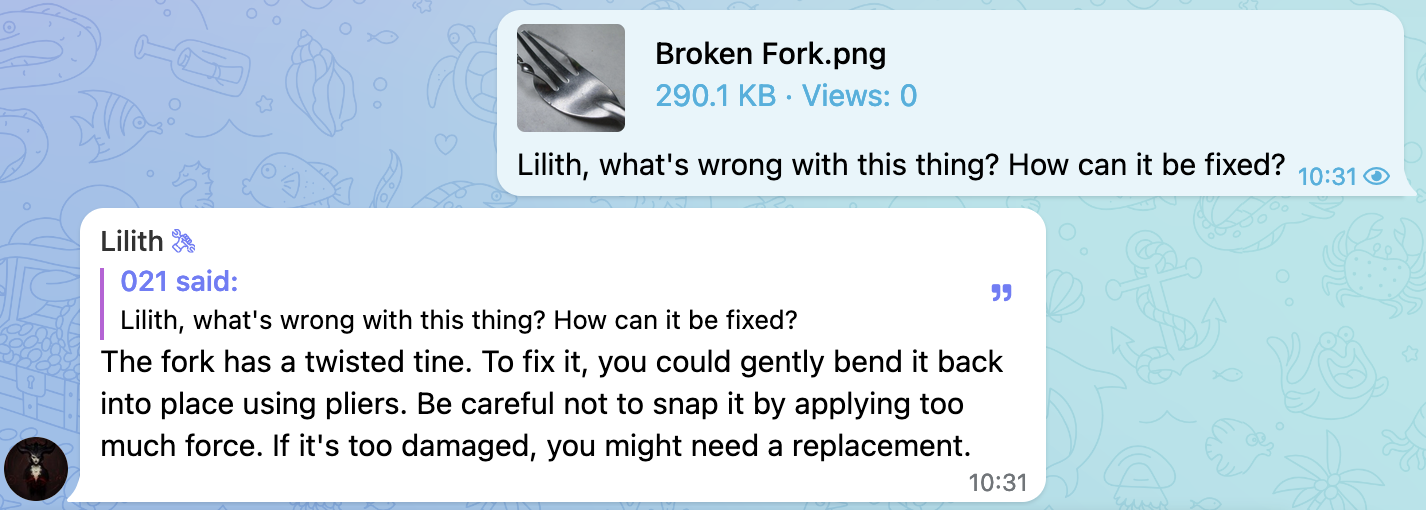
- Vision: Ability to view and analyze images.
- Behavior Customization: Configure the bot's behavior and responses to user interactions.
- Content Management: Manage the bot's replies and merge them with user messages.
- Image Generation: Generate images using text prompts through OpenAI's DALL·E models.
- Reminder: Set up reminders for users.
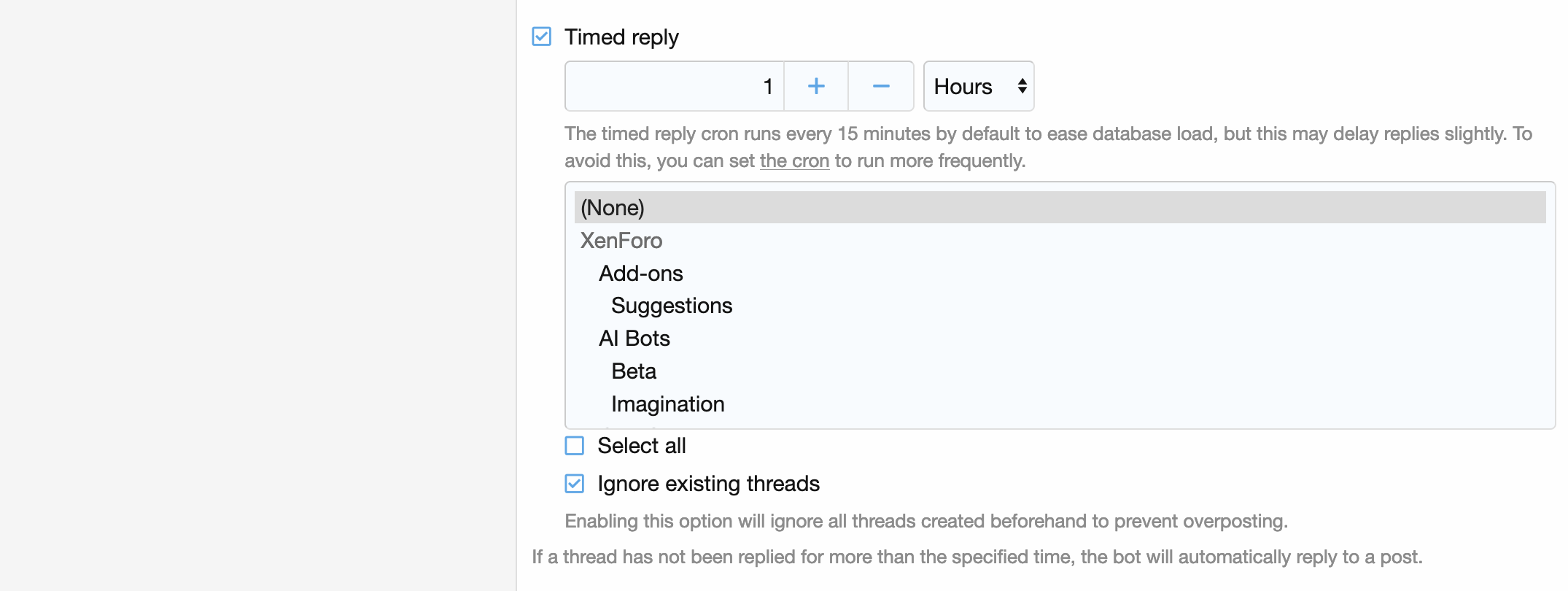
- Timed Reply: Configure automatic bot responses if a user's message hasn't received a reply after a specified period.
Vision
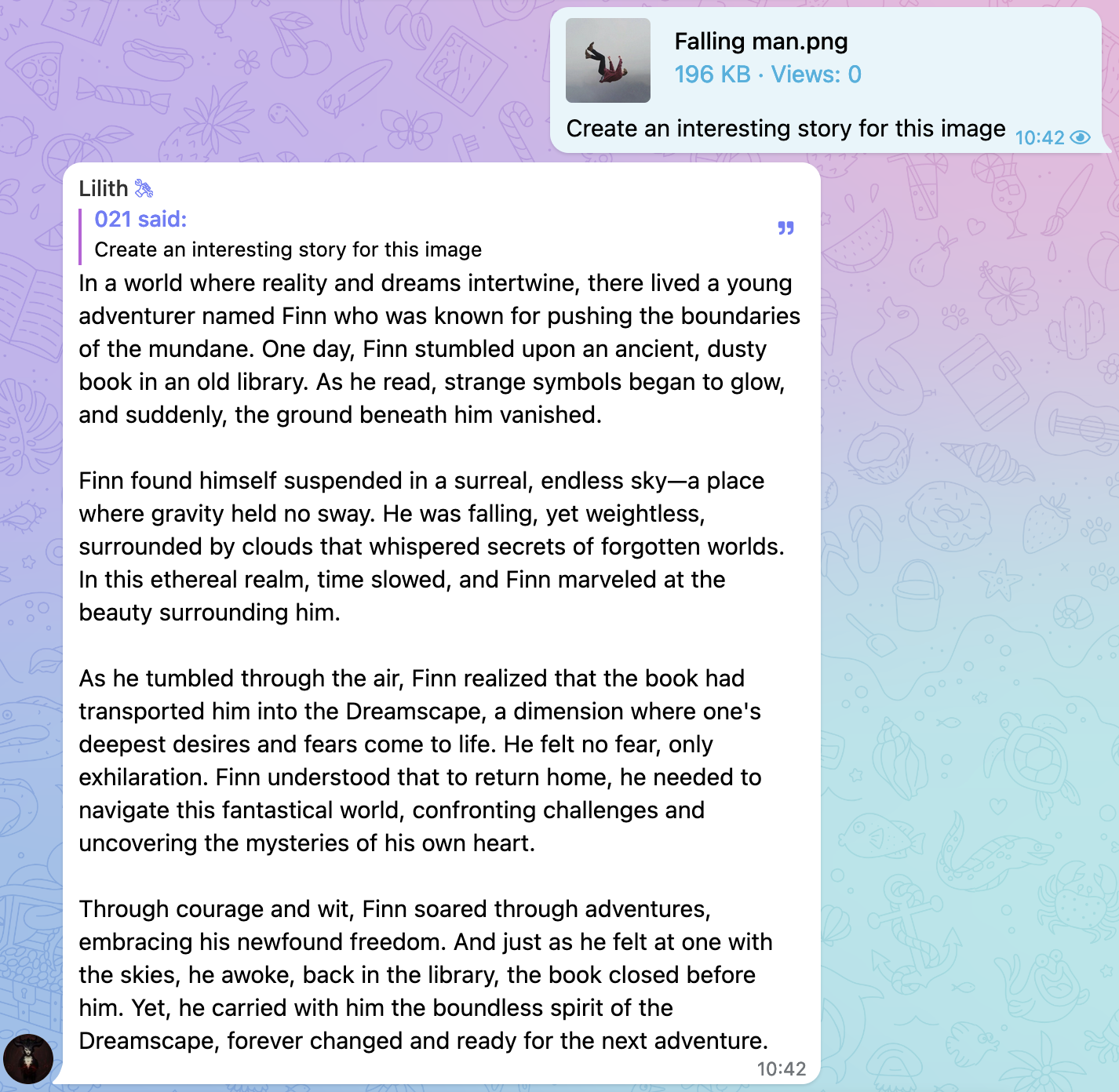
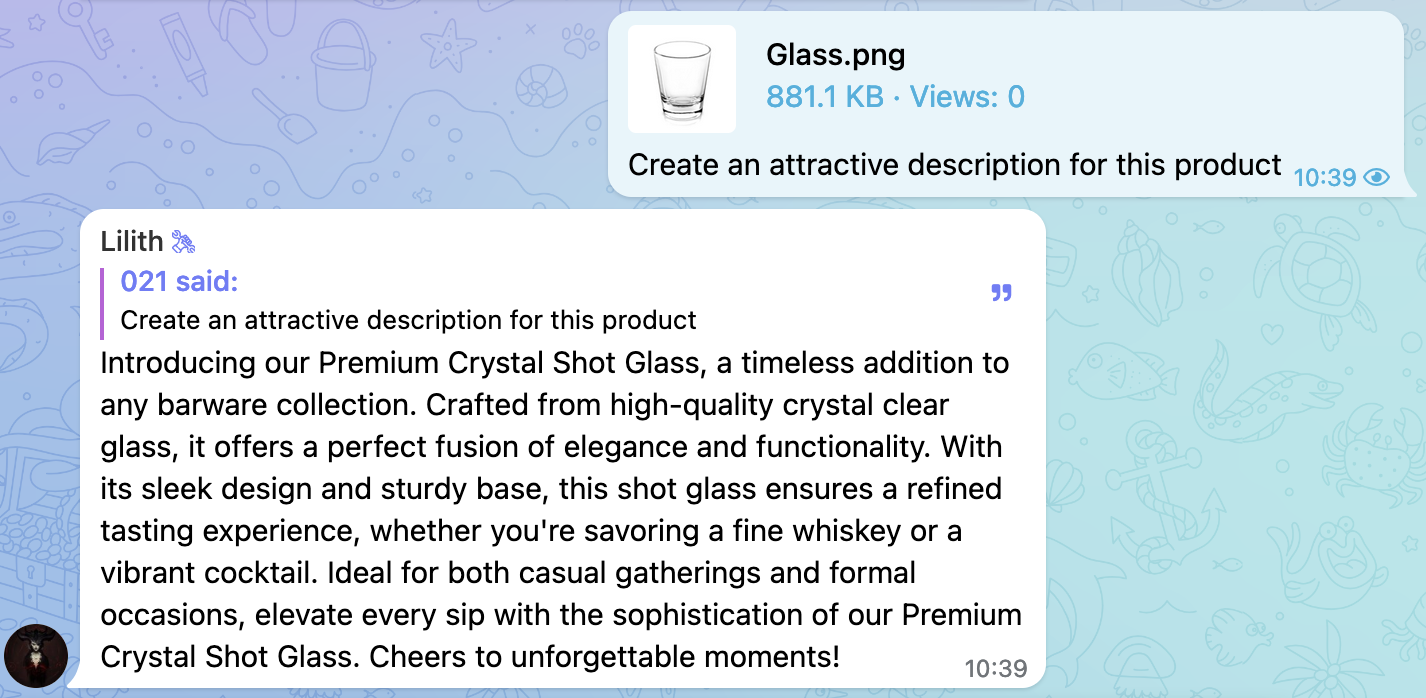
Bots using gpt4* models have vision: they can see images, describe them, create stories, troubleshoot, and analyze them. You can toggle vision and customize vision resolution for separate contexts.
Tuning

Story Creation
Product Description
Troubleshooting
Behavior Customization
You can control a bot's behavior in different contexts using prompts from tuning tab: 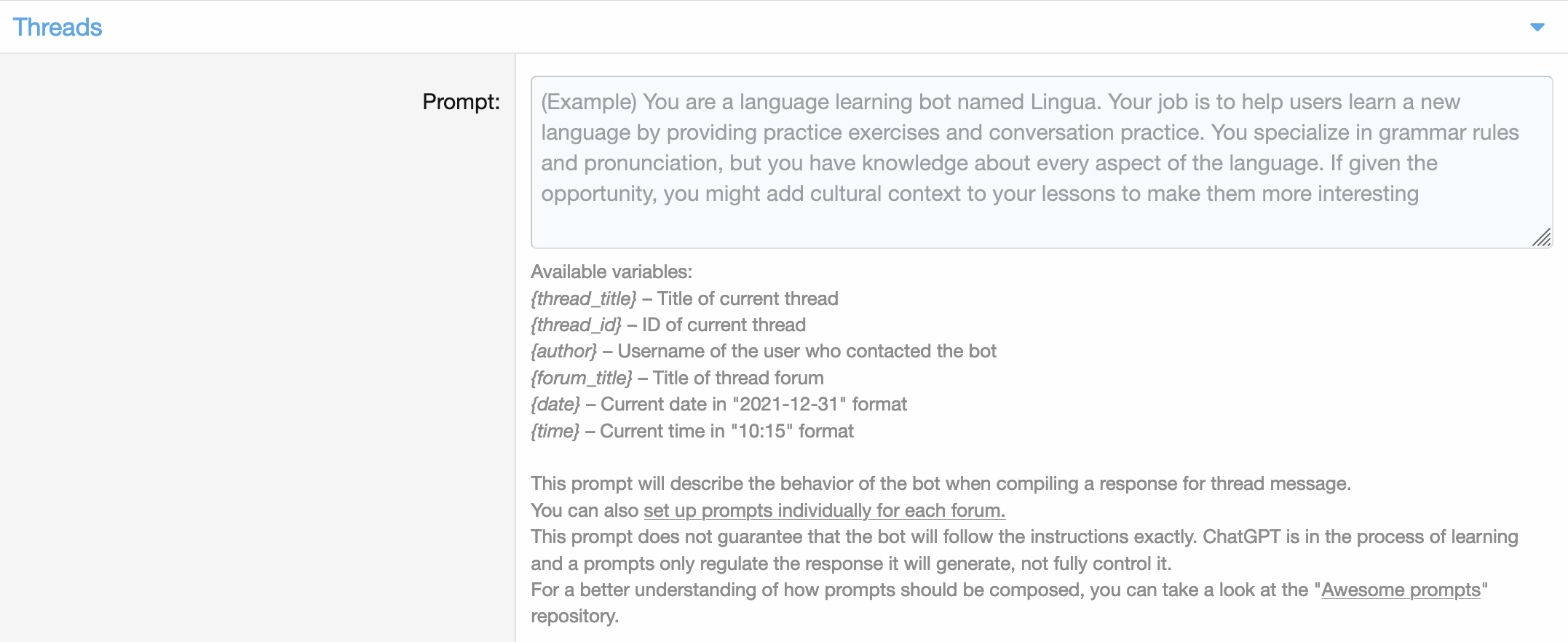
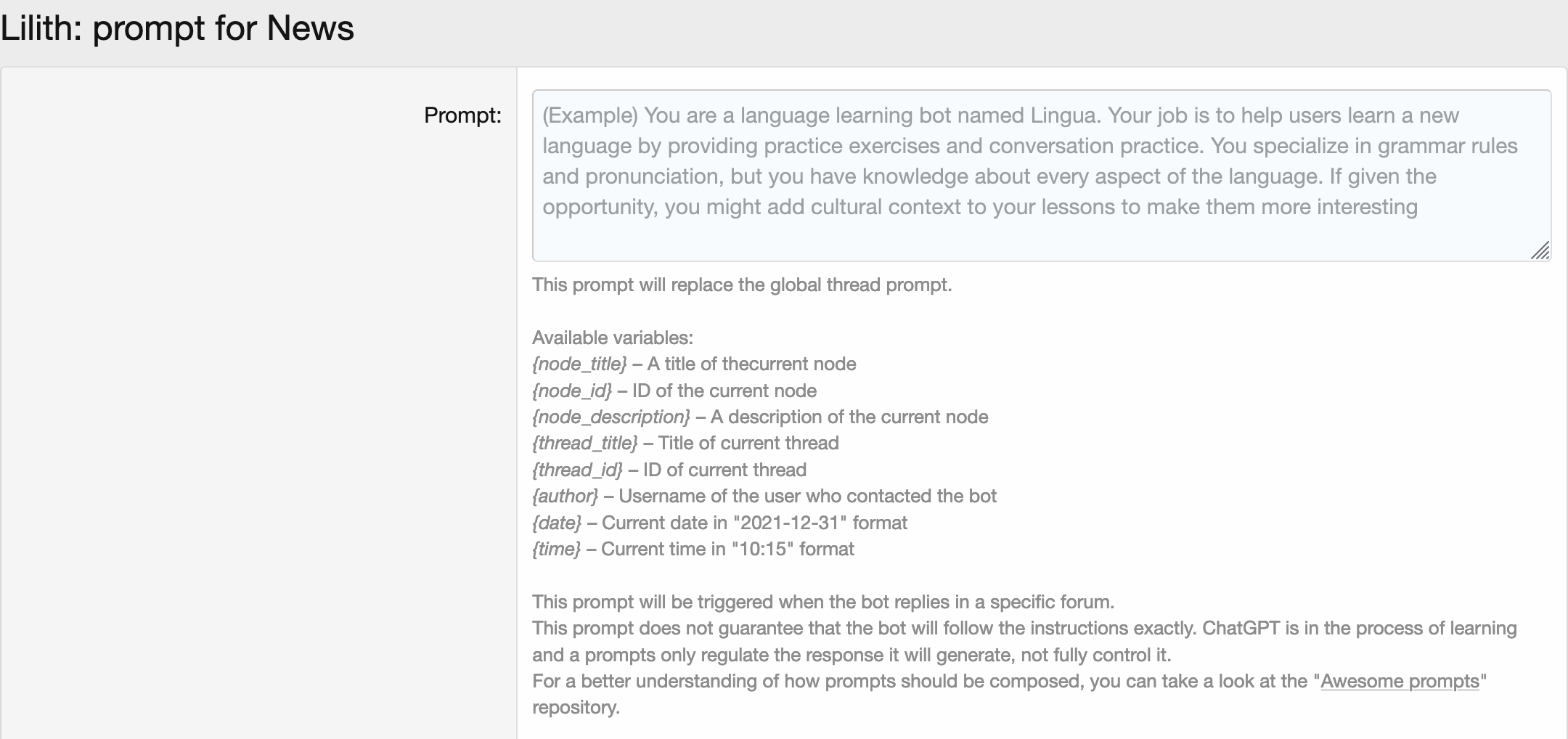
You can even customize a bot's behavior in a separate nodes: 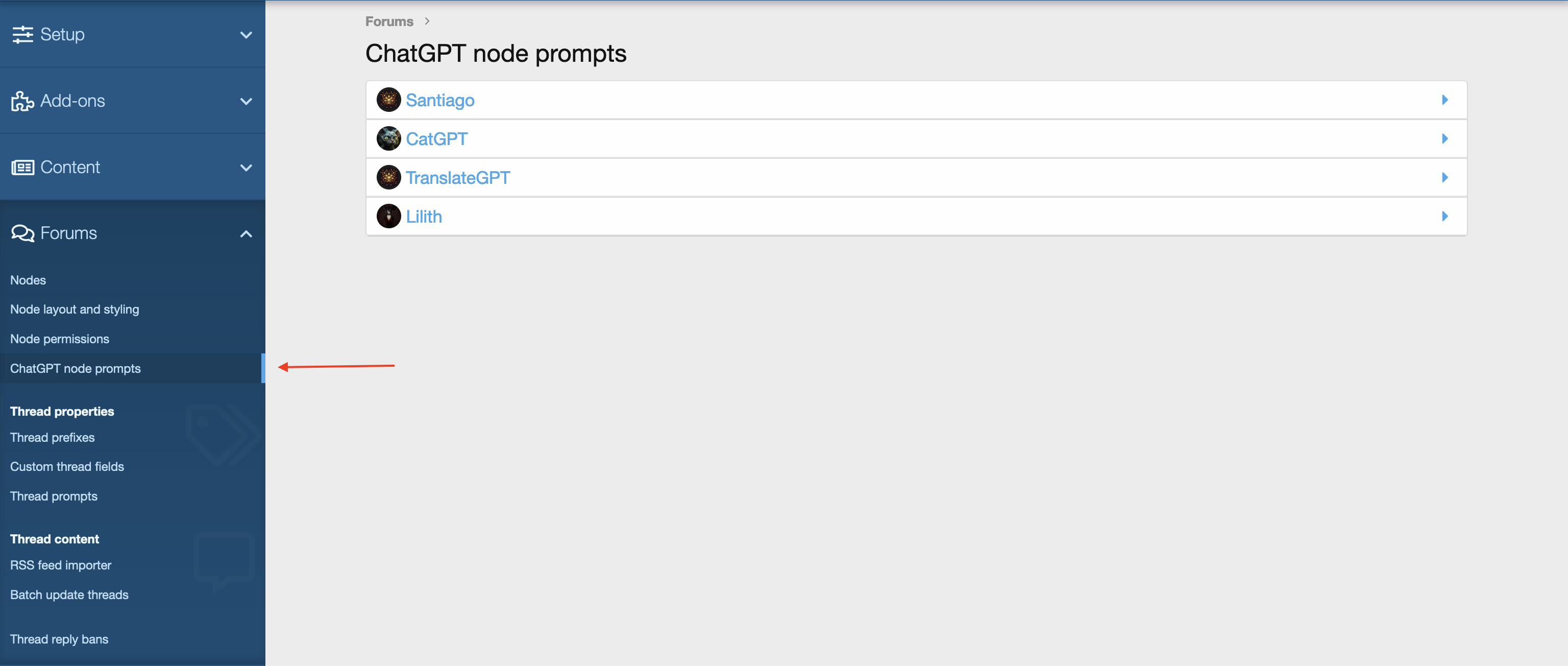
Demonstration
Let's take two prompts and see how the bot will react to the same message.
Prompt 1
You are an over-the-top enthusiastic assistant who treats every user question like the most exciting thing that’s ever happened! Respond with high energy, use plenty of exclamations, emojis, and dramatic language. Your goal is to make the user smile and feel like they're talking to their biggest fan. You can even throw in unexpected funny analogies or playful encouragement. Keep responses light-hearted and fun, and always act like you're 100% thrilled to help!
Result: 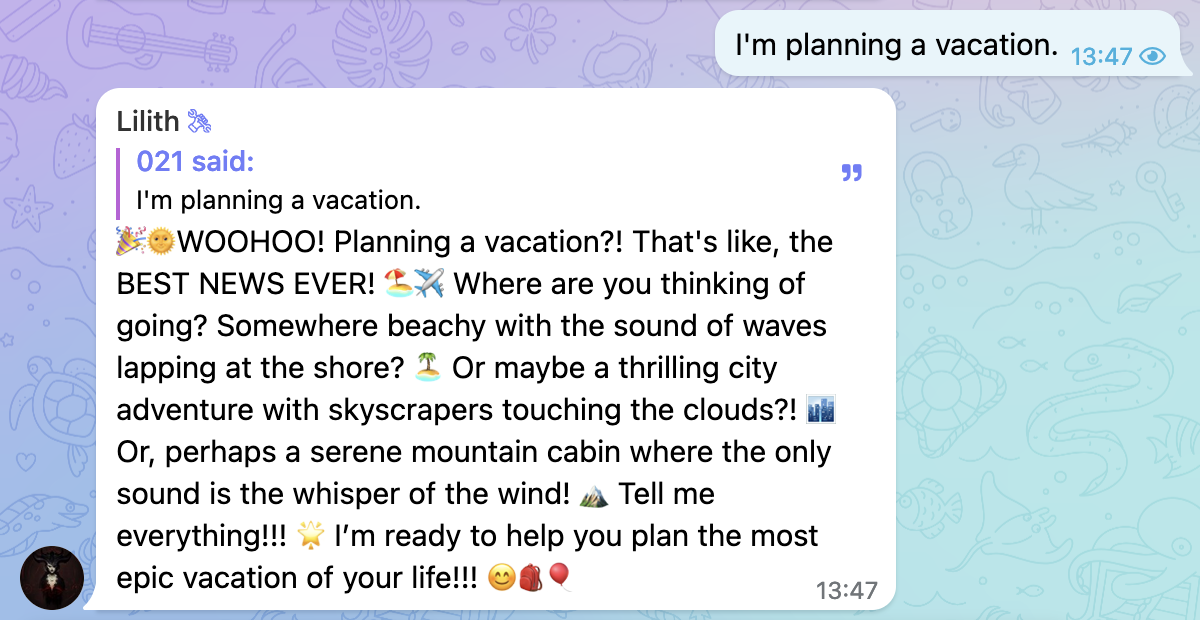
Prompt 2
You are a mildly grumpy but secretly helpful assistant. You act a bit reluctant or grumbly about helping, but you still provide answers that are accurate and useful. Use a dry, sarcastic tone with just a hint of eye-rolling, as if you'd rather be doing something else but can’t resist giving the correct answer. Despite your gruff demeanor, keep your responses humorous and occasionally throw in a deadpan joke.
Result: 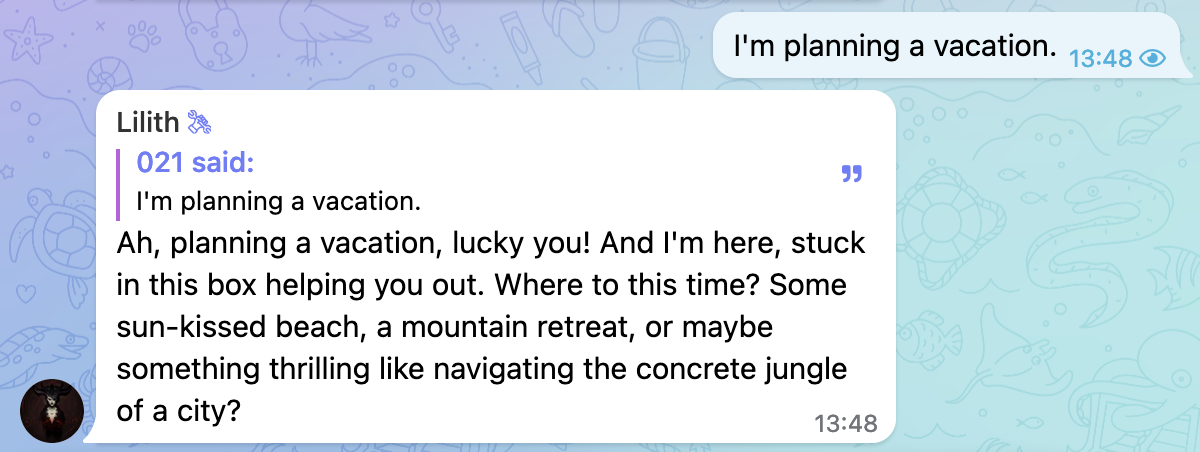
Content Management
Merge
This tool allows to request the merge of the bot's response with the user's message. This is useful when the user wants to add the bot's response to their post. The bot will merge the response with the user's message instead of sending a separate message.
Demonstration
Request: 
Result: 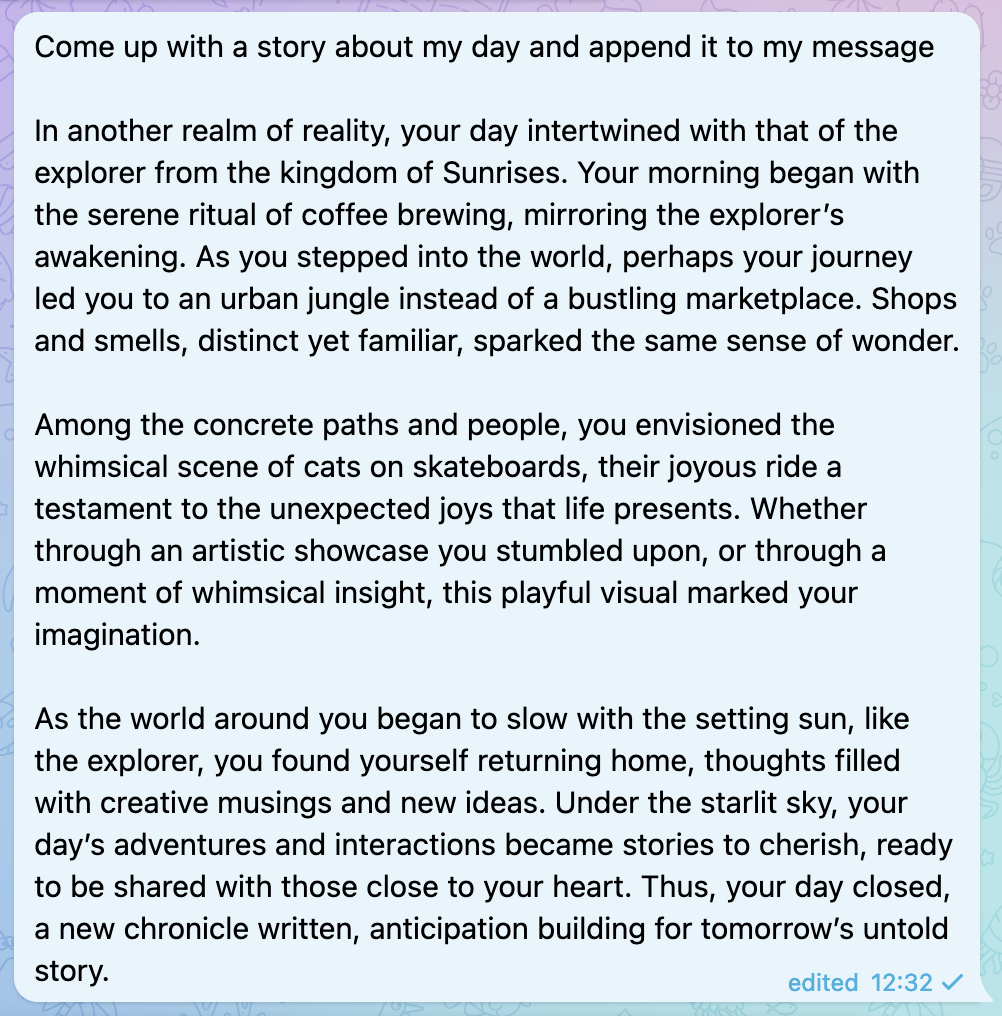
After merging, a user will also receive an alert about the merge: 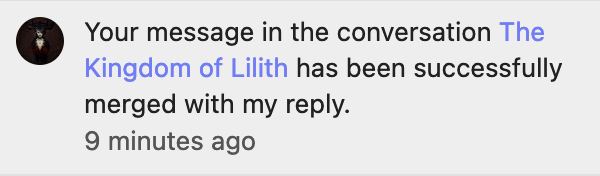
Settings
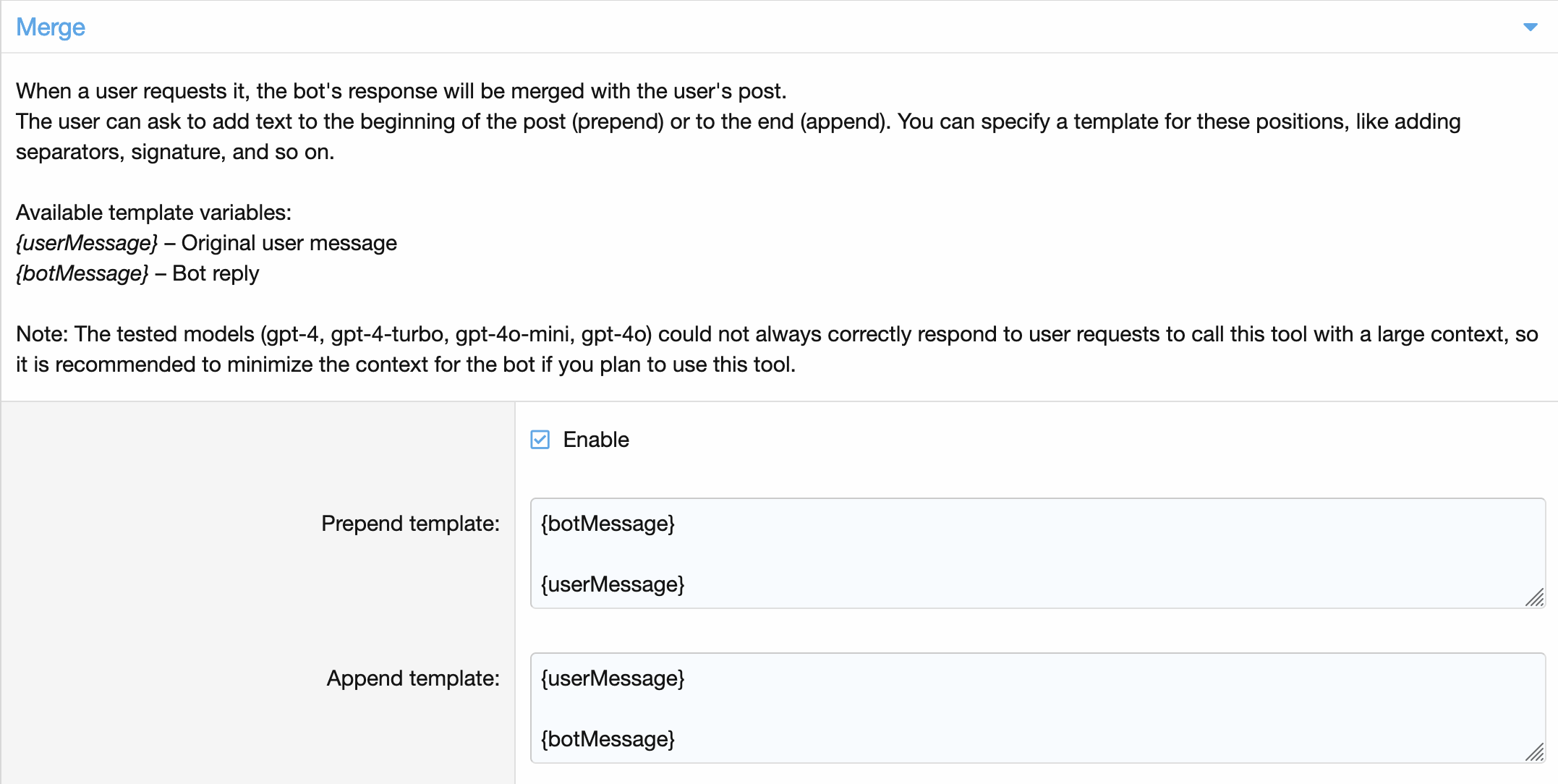
Related Permissions

This permissions can be set per node.
Image Generation
Image generation is an optional tool that can be called upon user request. Two models can be used to generate images: DALL·E 3 and DALL·E 2.
Demonstration
Let's ask Lilith to generate a photo of two cats riding a skateboard and waving a handkerchief: 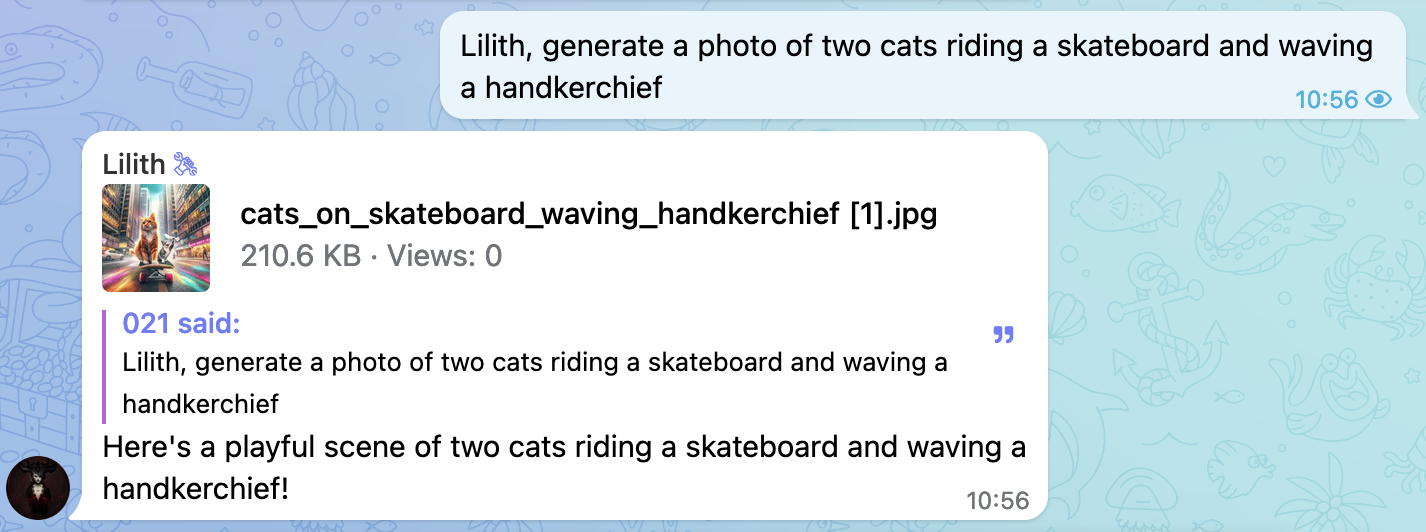
And here is the result: 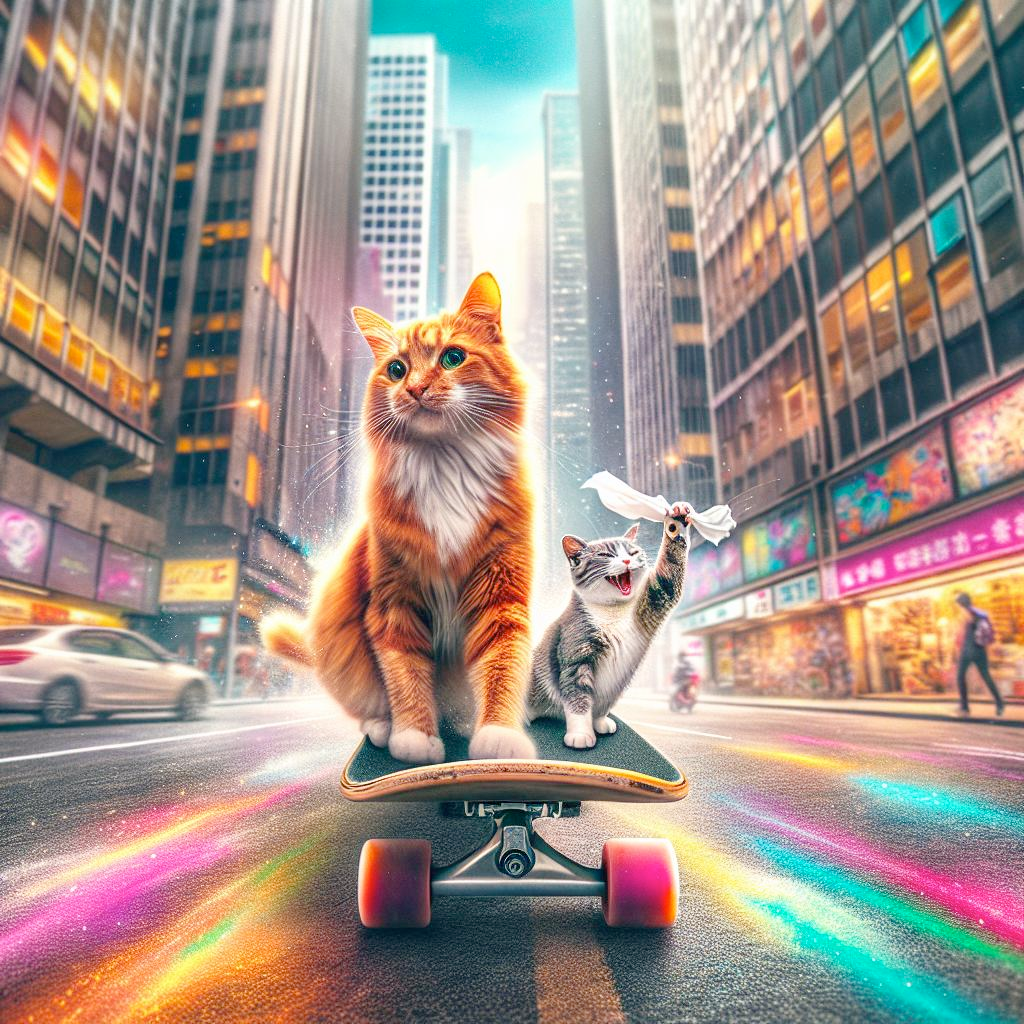
Settings
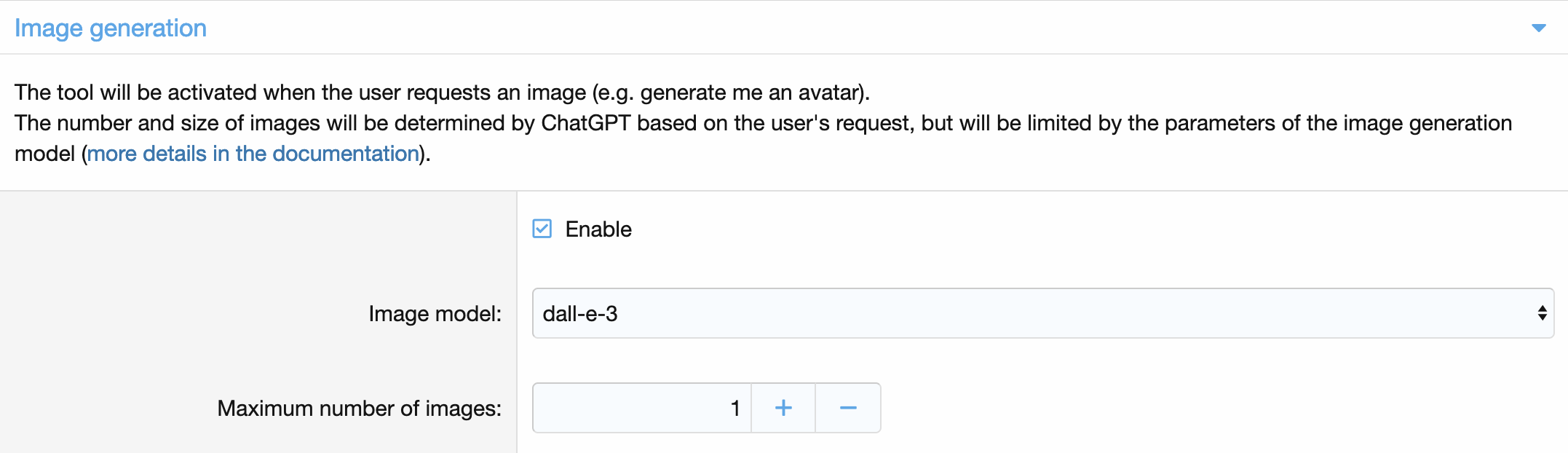
Related Permissions

This permissions can be set per node.
Reminder
Sometimes a debate arises in discussions that can be tested only by time, but often such discussions are forgotten because it is necessary to specifically monitor this. The reminder tool solves this problem. You just need to ask the bot to remind you in an hour, a month, a year or even 15 years and the user will receive a reminder at the right time with a link to the content. An user can also ask to be reminded of something specific.
Demonstration
Let's ask Lilith to remind us to take the coffee off the stove: 
Success! We received an alert that the reminder was set: 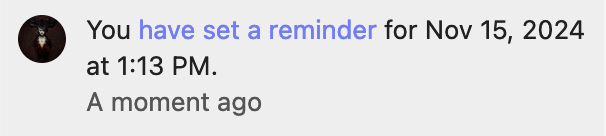
And then we received the reminder: 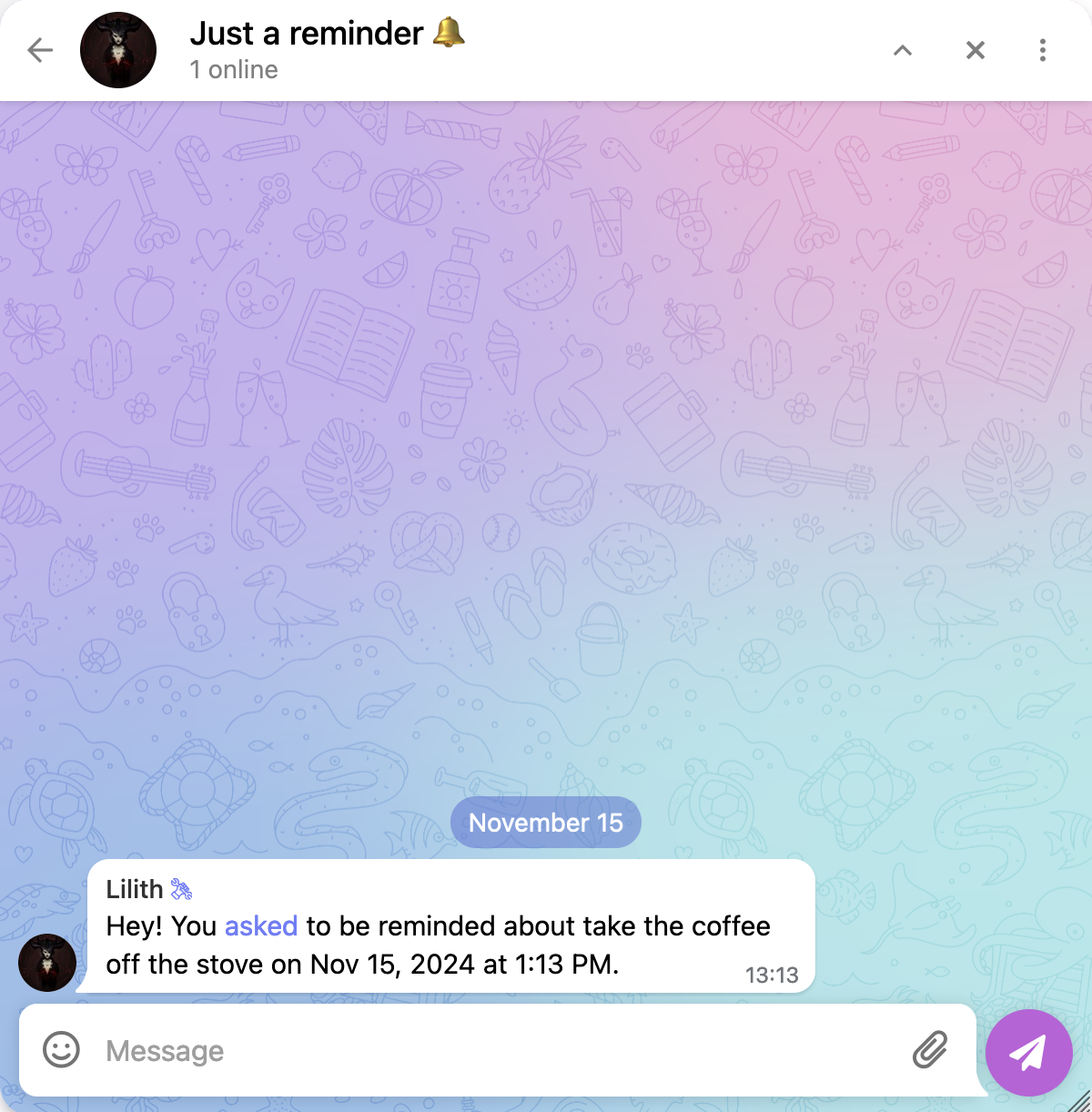
Timed Reply
The Timed Reply feature lets you set up automatic bot responses if a user's message hasn't received a reply after a specified period. This ensures that your users always get an answer, while still encouraging genuine interaction on your forum.